
AI-Powered Warmup

Warm your inboxes before you scale

Strong outbound starts before the first campaign is launched. Tamly warms your connected inboxes automatically, builds sending activity gradually, and supports healthy sender reputation as you prepare to scale.

Get Early Access
Warmup
Connected inboxes4 warming · 2 ready to send
4 warming
sarah@tamly.aiDay 14 · rampingWarmed
marc@gettamly.comDay 11 · rampingWarmed
alex@trytamly.comDay 6 · rampingWarming
ops@tamly.aiDay 2 · rampingWarming

How warmup works in Tamly

A brand new sending account with no history looks like a risk to mailbox providers. Warmup builds that history first, so your campaigns start from a healthier position.

Connect an inboxSecure OAuth · no password stored
Verified
sarah@tamly.aiConnected over OAuth. Warmup enabled automatically.
Google WorkspaceWarmup on
Warmup begins the moment the account is authorised.

01

Connect your inbox

Authorise a Google Workspace or Microsoft 365 account. No password ever leaves your provider.
Warmup queueStarted on connect
3 accounts
sarah@tamly.aiStarted today · Day 1Warming
marc@gettamly.comStarted today · Day 1Warming
alex@trytamly.comQueued · starts MondayQueued
No setup step. Nothing to configure per account.

02

Warmup starts automatically

Nothing to switch on. Every account you connect enters the warmup queue on its own.

Sending volumeGradual ramp · first 14 days
Day 14
Day 1Day 5Day 9Day 14
Volume climbs to a safe daily limit instead of spiking on day one.

03

Activity ramps up gradually

Sending builds day by day toward a safe limit rather than spiking on day one.

Warmup statusEvery connected account
2 warmed
sarah@tamly.aiDay 14 · rampingWarmed
marc@gettamly.comDay 11 · rampingWarmed
alex@trytamly.comDay 6 · rampingWarming
ops@tamly.aiDay 2 · rampingWarming

04

Monitor warmup status

See where every account is in its ramp, and which are ready to send from.

Q3 outbound · agencies1,200 contacts · 4 inboxes
Ready
Inboxes warmedSequence attachedSchedule setLeads uploaded
Launch campaignSends Mon–Fri · 9:00–17:00

05

Start campaigns with confidence

Launch when your inboxes are warmed, and warmup keeps running underneath.

Warmup runs alongside your campaigns

Warmup is not a one-time setup step. Tamly keeps warming your connected inboxes while campaigns are running, so your accounts keep building activity as your outbound scales.

See how multi-inbox sending works
Inbox
sarah@tamly.aiGoogle Workspace · connected 14 days ago
WarmupRunning

Activity keeps building in the background.

CampaignSending

Q3 outbound · agencies

Warmup unaffected

Questions about AI-Powered Warmup & Deliverability

Is warmup included in the plan?

Yes. Warmup runs on every connected inbox as part of the platform, there is no separate tool to buy or configure.

Does warmup keep running after I launch a campaign?

It does. Warmup continues in the background while campaigns send, so your accounts keep building activity as volume grows.

Do I need a separate warmup tool?

No. Warmup, sending and campaign management all run from the same dashboard, on the same connected inboxes.

Which inboxes get warmed?

Every inbox you connect. You can set the ramp-up pace and sending window per workspace.

Outbound should be simpler.

Warm your inboxes, upload your leads, build the sequence, launch. Tamly gives you one place for the core workflow behind outbound email.

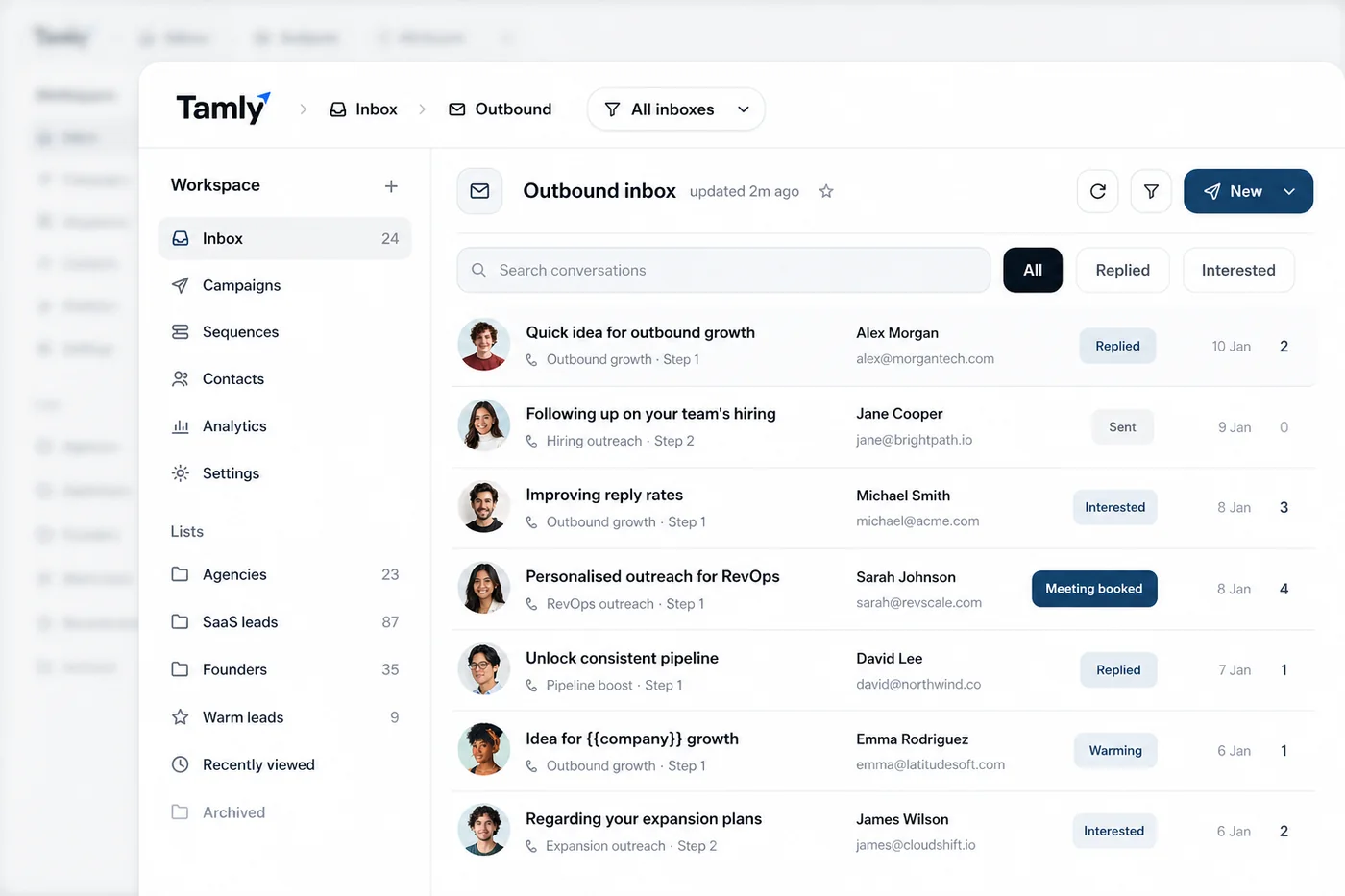
The Tamly outbound inbox, conversations with replied, interested and meeting-booked statuses